Simplifying complex security workflows through intuitive dashboards and platform design
Role: Product Designer · Scope: War Room Dashboard · Scanner Insights · Response Workflows · Tools: Figma · Prototyping
Context
Armory provides SOC teams with advanced tools to detect, triage, and respond to cyber threats. This case study highlights three key areas I led: the Home Dashboard, War Room, and Scanner Insights — part of a broader product effort that included additional flows and components.
Key challenges
Complex data Turning large volumes of threat data into actionable insights.
Disconnected workflows Detection, scanning, and response tasks were fragmented across tools.
Real-time visibility Analysts needed a live, consolidated view for fast triage and decision-making.
No existing framework The platform required a cohesive design language and scalable foundation.
Design approach
Information architecture
Defined a clear structure across product areas to support fast navigation and decision-making under pressure.
Workflow design
Created end-to-end flows that reduced context switching and supported real-time monitoring and response.
Scalable UI foundation
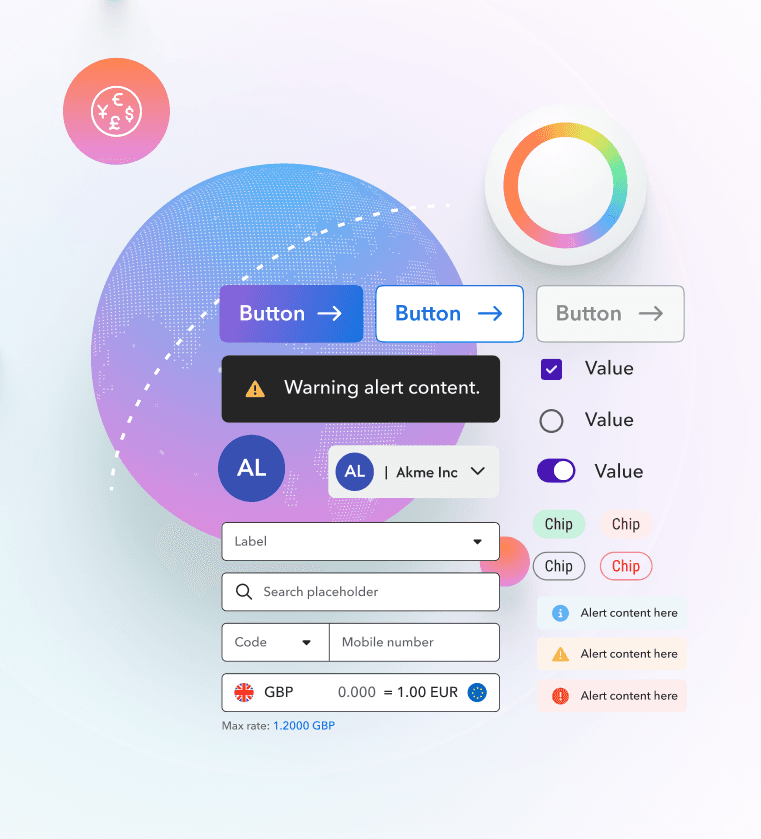
Built reusable visual components and patterns for dashboards, data-heavy screens, and collaborative workflows.
Key areas
Three core surfaces supporting detection, investigation, and response.
Home Dashboard
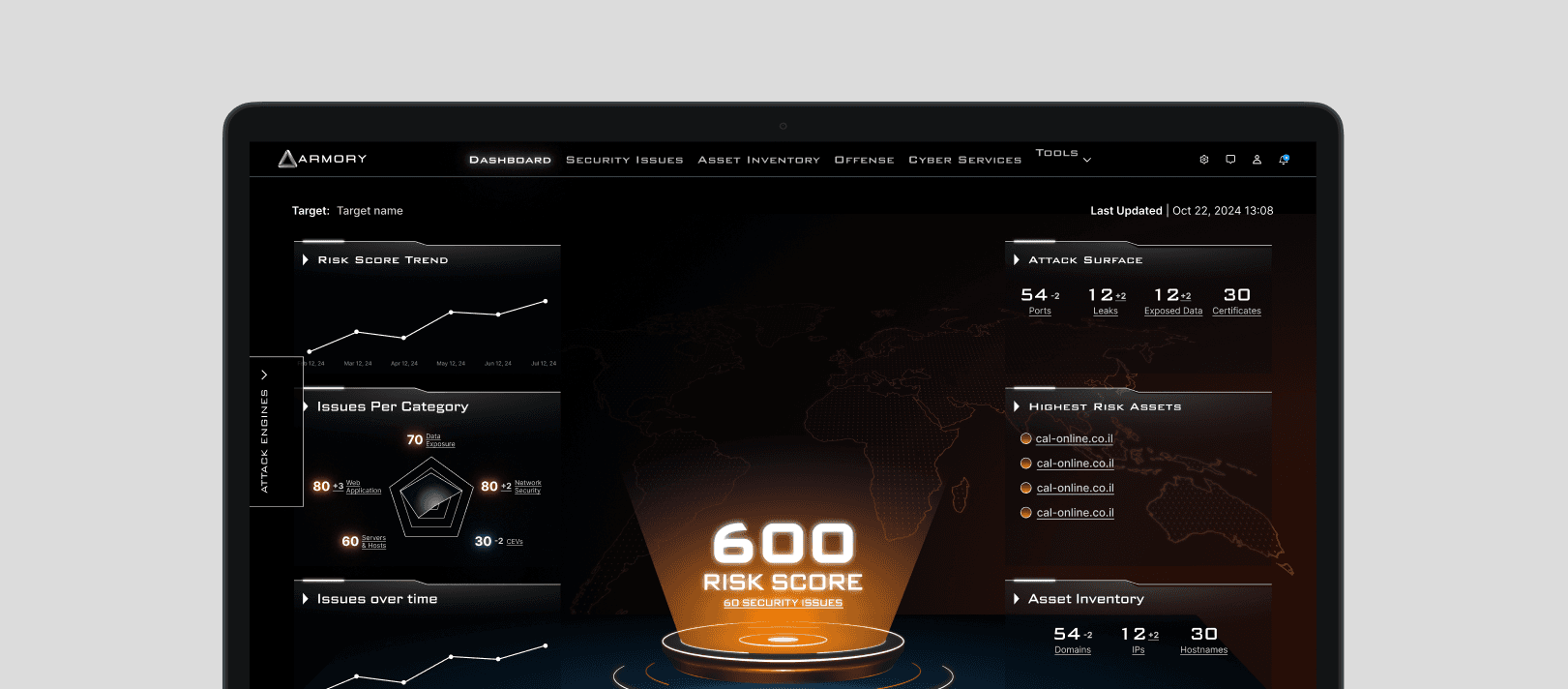
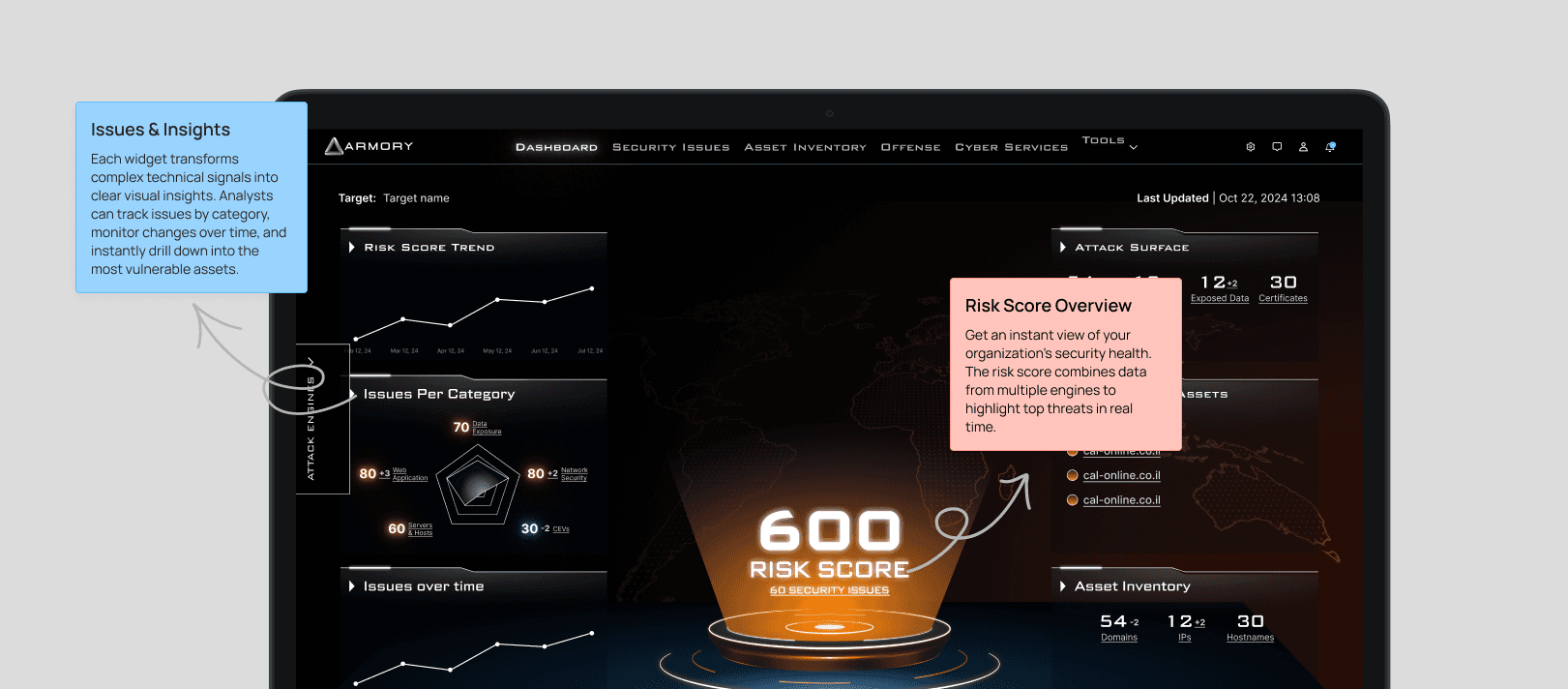
A real-time overview of system health and active threats, built for fast scanning, clear severity hierarchy, and high-density monitoring without overload.
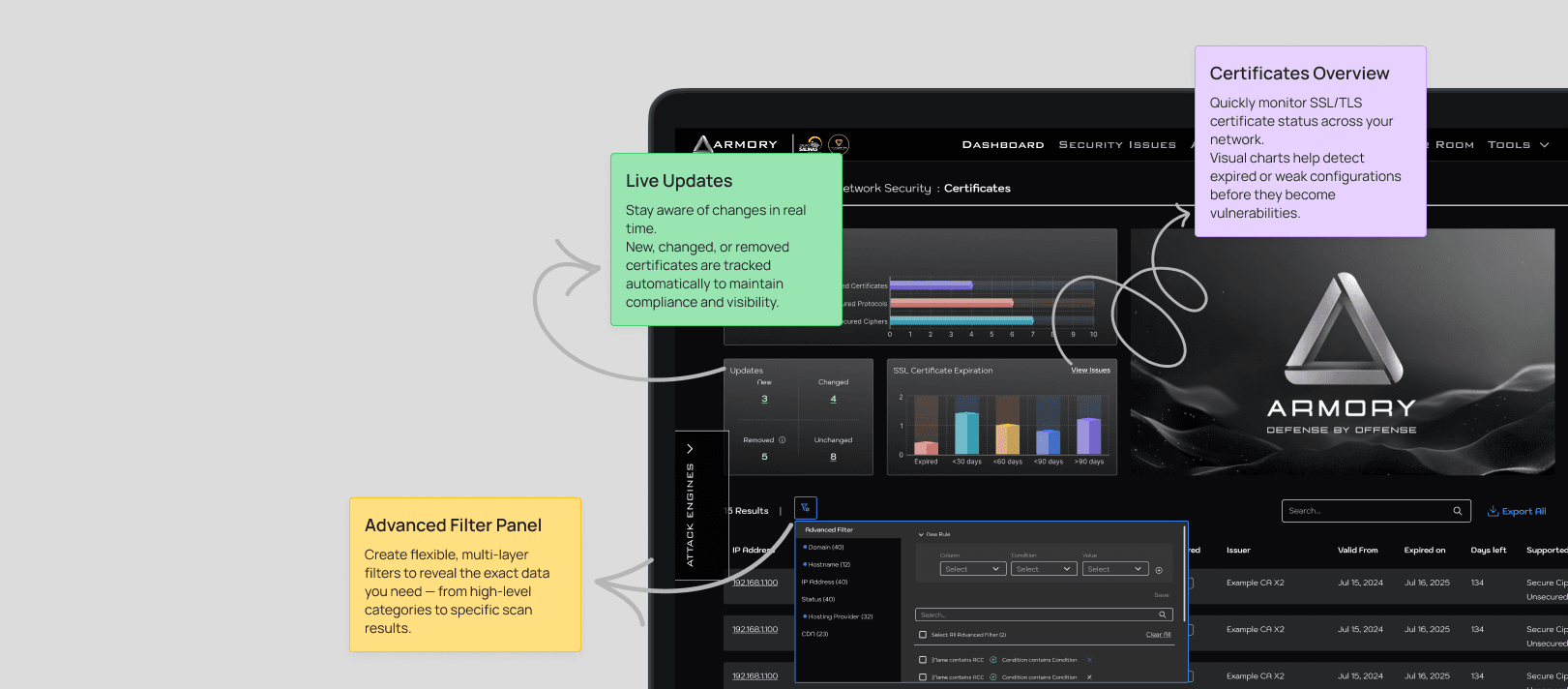
Scanner insights
A vulnerability analysis hub connecting summary analytics with deep scan results, enabling faster investigation, prioritization, and advanced filtering without losing context.
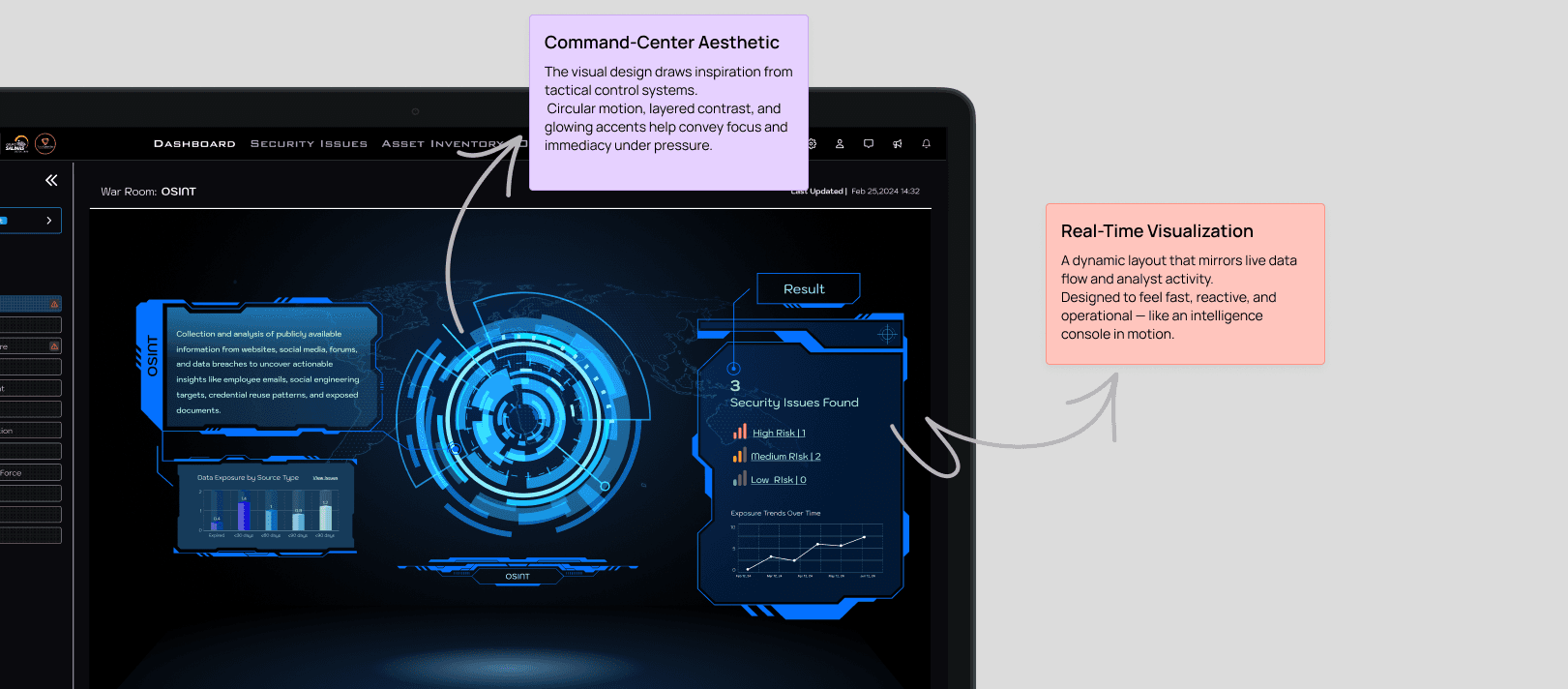
War room
A collaborative incident response space designed for real-time situational awareness, shared context, and faster decisions under pressure.
Key decisions
Designed for scanning first. Built layouts that support fast visual parsing and clear prioritization in high-density screens.
Reduced context switching. Connected detection, investigation, and response workflows to keep analysts focused inside one system.
Clarity under pressure. Used hierarchy, consistent patterns, and accessible visual cues to support real time decision making.
Impact
Visibility. Improved real time awareness of system health, threats, and severity.
Efficiency. Enabled faster investigation and prioritization through clearer workflows and filtering.
Confidence. Increased clarity and usability in high pressure SOC environments.
This helped teams detect and respond faster, with less friction and fewer missed signals.
More projects